Consistent, on-brand social graphics build recognition, but designing them for every post is a slog. AI design tools now handle the heavy lifting — resizing across platforms, applying your brand automatically, generating backgrounds and even producing whole carousels from a prompt. Here are the three best AI design tools for social media graphics in 2026.
Canva
The most complete social design tool — templates for every platform, Magic tools, brand kits and one-click resizing, all in an editor anyone can use.
| Tool | Best for | Starting price | Free option | Our rating |
|---|---|---|---|---|
| Canva | All-round social graphics | Free | Yes | 4.7 / 5 |
| Adobe Express | High-quality, brand-safe graphics | Free | Yes | 4.4 / 5 |
| Recraft | Cohesive icon and illustration sets | Free | Yes | 4.2 / 5 |
SaaS pricing changes frequently. The figures below were accurate on the date we last verified them — always confirm the current price and plan limits on the tool's official website before subscribing.
Canva
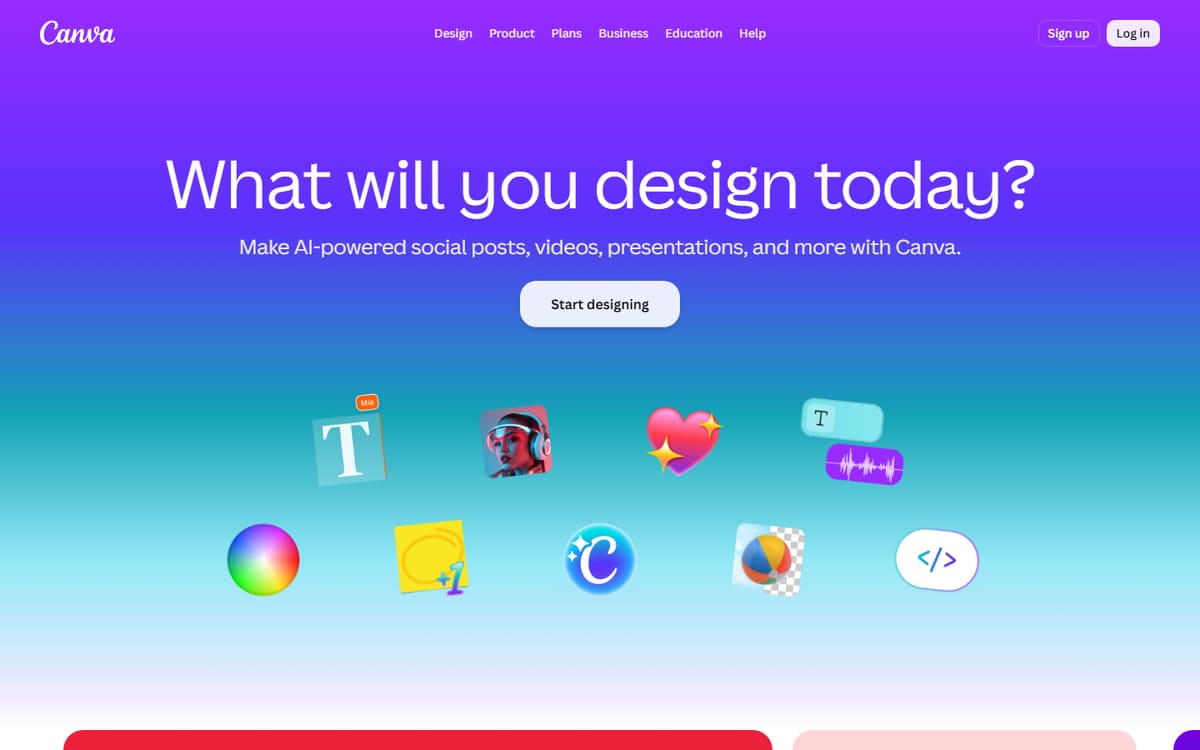
Canva covers every social format with templates, and its Pro tools — Magic Resize, brand kits and Magic Media generation — make producing a consistent, on-brand feed genuinely fast. It's the default for most creators for good reason.
| Plan | Price | Includes |
|---|---|---|
| Free | Free | Templates for every platform, Basic editing, 5GB storage |
| Pro | $12.99/mo (billed annually) | Magic Resize, Brand kit, Background remover, Magic Media |
| Teams | $25/user/mo | Collaboration, Brand controls |
Key features
- Templates for every platform
- Magic Resize across formats
- Brand kit for consistency
Pros
- Easiest to use
- Great free plan
- Resize once, post everywhere
Cons
- Best features need Pro
- Popular templates look familiar
The most practical choice for keeping a social feed on-brand and consistent.
Adobe Express
Adobe Express blends a simple editor with Firefly AI and Adobe's asset library, giving your social graphics a premium, commercially safe finish. Its animation and video-post tools are a bonus for Reels and Stories.
| Plan | Price | Includes |
|---|---|---|
| Free | Free | Templates, Basic Firefly, Background remover |
| Premium | $9.99/mo | Full Firefly AI, Premium assets, Brand tools |
Key features
- Firefly generative AI
- Adobe Stock and fonts
- Animated social posts
Pros
- Premium assets and effects
- Commercially safe AI
- Good free tier
Cons
- Fewer templates than Canva
- Slight learning curve
A strong pick when you want Adobe polish in a Canva-style workflow.
Recraft
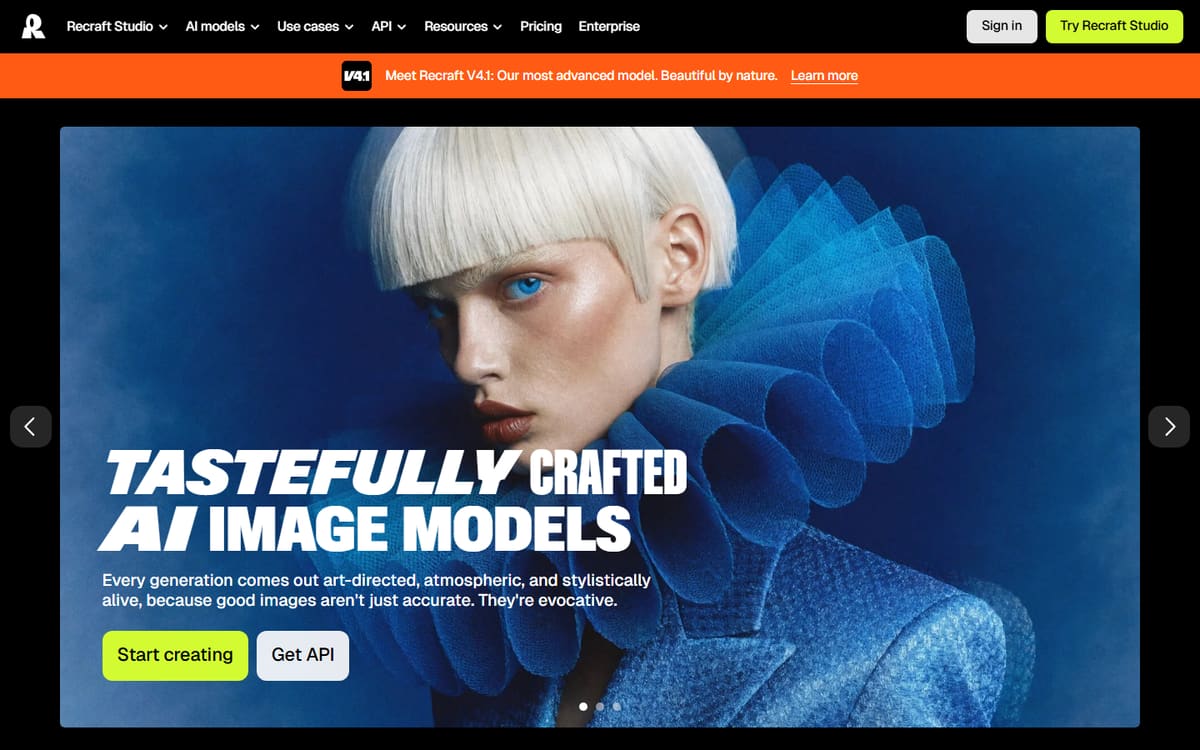
Recraft is a design-focused AI generator that can lock a consistent style across an entire set of images, icons and illustrations — and export vectors. That style consistency is its edge for creators who want a distinctive, cohesive brand look.
| Plan | Price | Includes |
|---|---|---|
| Free | Free | Limited credits, Basic generation |
| Basic | $12/mo | More credits, Brand style sets, Vector export |
| Advanced | $33/mo | High credit limits, Team features |
Key features
- Consistent style across image sets
- Vector (SVG) export
- Custom brand styles
Pros
- Great style consistency
- Vector output
- Good for icon sets
Cons
- Not a full template editor
- More niche than Canva
The specialist for a cohesive, custom illustration or icon style across your feed.
Frequently asked questions
What is the best AI tool for social media graphics?
Can AI keep my graphics on-brand automatically?
Do I need to pay for these tools?
The bottom line
Canva is the most complete tool for on-brand social graphics, Adobe Express adds premium, commercially safe polish, and Recraft delivers a cohesive custom style with vector export. Start on the free plans, then upgrade for brand kits and AI limits as you scale. Confirm current pricing on each official site before subscribing.