
A generator gives you a first draft; an editor makes it publishable. Whether you're proofing a script before recording, cleaning up a blog post, or rewriting an awkward sentence for the third time, a dedicated AI editing tool catches things a general writing assistant misses. Here are the three best AI grammar and editing tools for creators in 2026.
Grammarly
The most complete editor — grammar, tone, clarity and plagiarism checks everywhere you type, from your browser to your desktop.
| Tool | Best for | Starting price | Free option | Our rating |
|---|---|---|---|---|
| Grammarly | All-round writing cleanup everywhere you type | Free | Yes | 4.6 / 5 |
| QuillBot | Rewriting awkward sentences quickly | Free | Yes | 4.3 / 5 |
| Wordtune | Adjusting tone without losing meaning | Free | Yes | 4.2 / 5 |
SaaS pricing changes frequently. The figures below were accurate on the date we last verified them — always confirm the current price and plan limits on the tool's official website before subscribing.
Grammarly
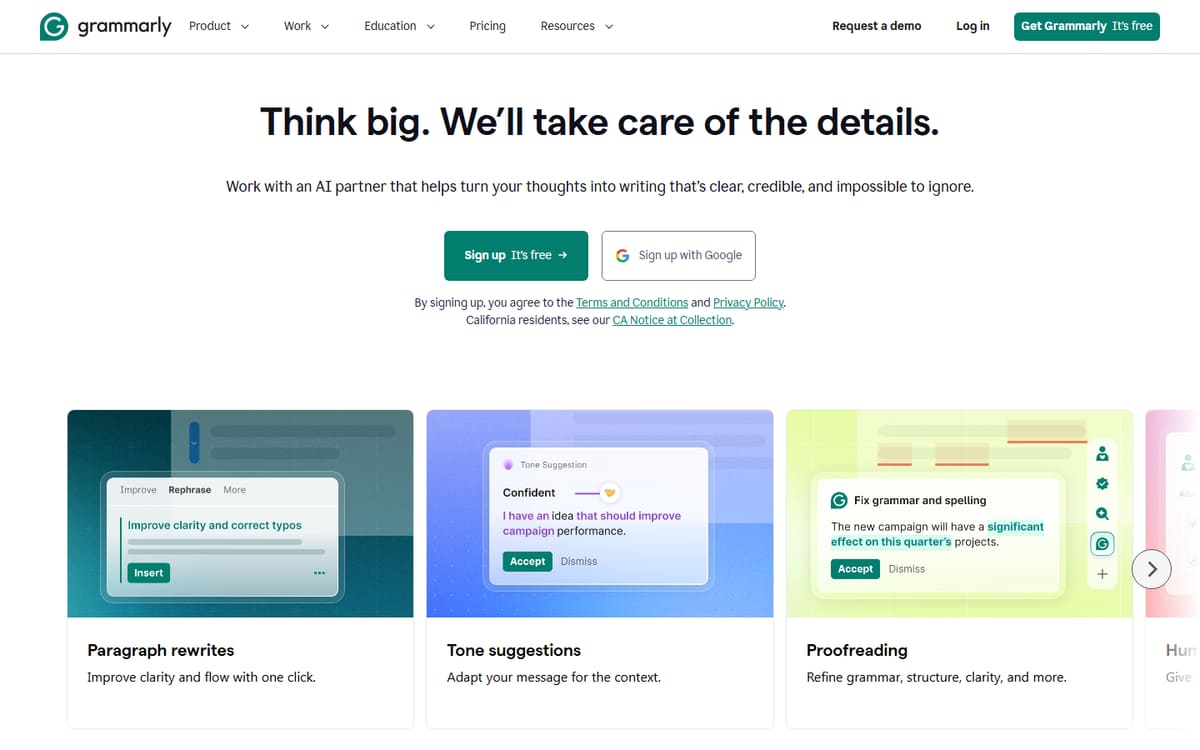
Grammarly works inside almost everything you write — your browser, Google Docs, email, Slack — catching grammar, spelling and tone issues in real time. Its Pro plan adds deeper clarity rewrites and a plagiarism checker, useful before publishing anything public-facing.
| Plan | Price | Includes |
|---|---|---|
| Free | Free | Basic grammar and spelling, Browser extension, Tone detection |
| Pro | $12/mo (billed annually) | Advanced clarity and tone rewrites, Plagiarism checker, Full-sentence rewrites |
Key features
- Works across browser, desktop and docs
- Tone and clarity suggestions, not just grammar
- Plagiarism checker on Pro
Pros
- Catches issues everywhere you write
- Strong free tier
- Easy to ignore suggestions you disagree with
Cons
- Pro price rose after its recent rebrand
- Can over-suggest changes on stylised writing
The most reliable everyday editor — set it up once and it quietly improves everything you write.
QuillBot
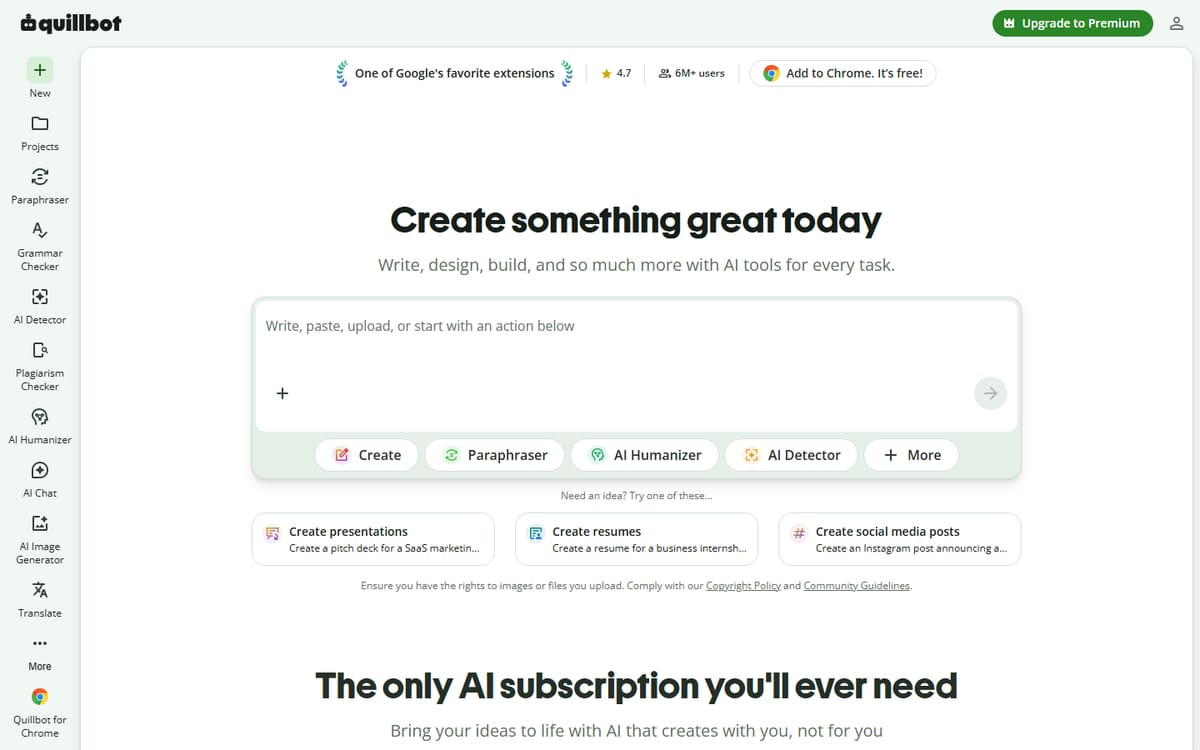
QuillBot's paraphrasing tool is the fastest way to fix a sentence that reads wrong. Feed it a clunky paragraph and it offers several rewrite styles — formal, fluent, creative — until one sounds right.
| Plan | Price | Includes |
|---|---|---|
| Free | Free | Basic paraphrasing, Limited word count, Grammar checker |
| Premium | $8.33/mo (billed annually) | Unlimited paraphrasing, More rewrite modes, Summarizer and citation tools |
Key features
- Multiple paraphrasing modes
- Built-in summarizer for long text
- Grammar checker included
Pros
- Great for fixing specific sentences
- Fast, focused tool
- Useful free tier
Cons
- Less suited to full-document editing
- Free plan has a word cap
The go-to when you know a sentence is wrong but can't figure out how to fix it.
Wordtune

Wordtune specialises in rewriting a sentence in a different tone — more casual, more formal, more confident — while keeping your original meaning intact. It's a fast way to match your writing to a specific audience.
| Plan | Price | Includes |
|---|---|---|
| Free | Free | Limited daily rewrites, Basic suggestions |
| Advanced | $4.89/mo (billed annually) | 30 rewrites/day, AI suggestions, 15 summaries/mo |
| Unlimited | $6.99/mo (billed annually) | Unlimited rewrites, Unlimited summaries, Vocabulary enhancements |
Key features
- Tone-shifting rewrites
- AI summaries of long text
- Cheap unlimited tier
Pros
- Excellent tone control
- Affordable unlimited plan
- Simple interface
Cons
- Fewer grammar-specific checks than Grammarly
- Browser extension only for full features
The best tool when you need a line to sound more casual or more professional without rewriting it yourself.
Frequently asked questions
Do I need an AI editing tool if I already use an AI writer?
Which tool is best for fixing awkward sentences?
Can these tools replace a human editor?
The bottom line
Grammarly is the best all-round editor for catching issues everywhere you write, QuillBot is the fastest way to fix a specific awkward sentence, and Wordtune is the best at adjusting tone without losing your meaning. Many creators run two of these together — a broad checker plus a targeted rewriter. Confirm current pricing on each official site before subscribing.