
Cutting yourself out of a photo for a thumbnail, wiping a distracting object from a shot, or cleaning up a product image used to mean fiddling in Photoshop. AI photo tools now do it in a click. Whether you need background removal, object cleanup or quick retouching, these four AI photo editing tools cover the jobs creators actually face in 2026.
Photoroom
The fastest, cleanest background removal and product-photo editing, with unlimited background removal on an affordable plan — a creator's everyday image workhorse.
| Tool | Best for | Starting price | Free option | Our rating |
|---|---|---|---|---|
| Photoroom | Fast background removal and product shots | Free | Yes | 4.5 / 5 |
| Canva | Editing within a full design tool | Free | Yes | 4.6 / 5 |
| Adobe Express | Higher-quality AI retouching | Free | Yes | 4.4 / 5 |
| Cleanup.pictures | Quickly erasing objects from photos | Free | Yes | 4.2 / 5 |
SaaS pricing changes frequently. The figures below were accurate on the date we last verified them — always confirm the current price and plan limits on the tool's official website before subscribing.
Photoroom
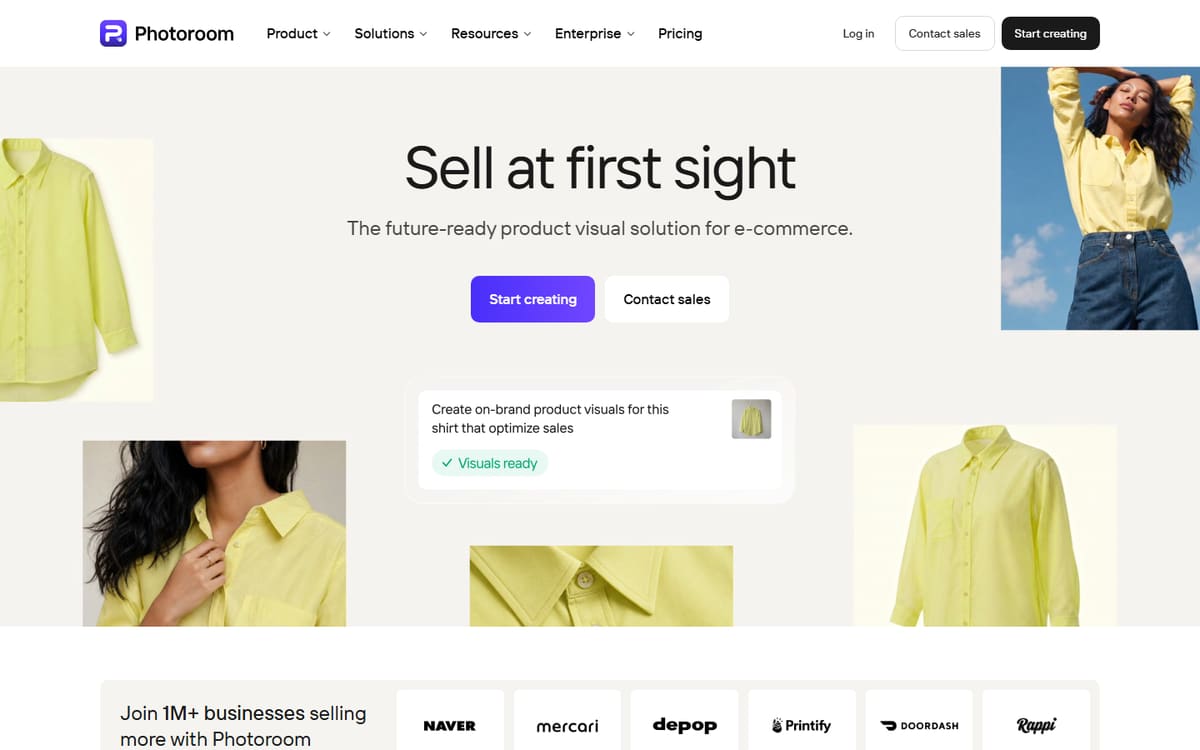
Photoroom is built around instant, high-quality background removal, plus AI backgrounds, object removal and retouching. It's especially strong for product photos and thumbnails, and background removal doesn't cost extra credits on the Pro plan.
| Plan | Price | Includes |
|---|---|---|
| Free | Free | Background removal (limited), Basic templates, Watermark on some features |
| Pro | $7.50/mo (billed annually) | Unlimited background removal, 250 exports/mo, AI backgrounds & retouch |
Key features
- Best-in-class background removal
- AI background generation and retouch
- Batch editing for product images
Pros
- Excellent cutouts
- Affordable Pro plan
- Great on mobile
Cons
- Export limits on Pro
- Some features watermarked on free
The everyday workhorse for background removal and quick product-photo editing.
Canva

Canva's Pro plan includes one-click background removal, Magic Eraser for objects and Magic Edit for AI adjustments — all inside the design tool you already use for thumbnails and graphics, so there's no exporting between apps.
| Plan | Price | Includes |
|---|---|---|
| Free | Free | Photo editing, Templates, Basic tools |
| Pro | $12.99/mo (billed annually) | Background remover, Magic Edit, Magic Eraser |
Key features
- One-click background remover
- Magic Eraser and Magic Edit
- Editing inside your design workflow
Pros
- No app-switching
- Solid AI editing tools
- Familiar interface
Cons
- Best tools need Pro
- Less specialised than Photoroom
The most convenient option if you already design in Canva.
Adobe Express
Adobe Express brings Firefly's generative fill and Adobe's retouching quality to a simple editor. It removes backgrounds free and handles more advanced edits — replacing backgrounds or extending images — with commercially safe AI.
| Plan | Price | Includes |
|---|---|---|
| Free | Free | Background remover, Basic Firefly edits |
| Premium | $9.99/mo | Full Firefly generative edits, Premium assets |
Key features
- Free background removal
- Firefly generative fill
- Commercially safe edits
Pros
- High-quality edits
- Free background removal
- Commercially safe AI
Cons
- Best features need Premium
- Slight learning curve
The pick when retouching quality and commercial safety matter most.
Cleanup.pictures
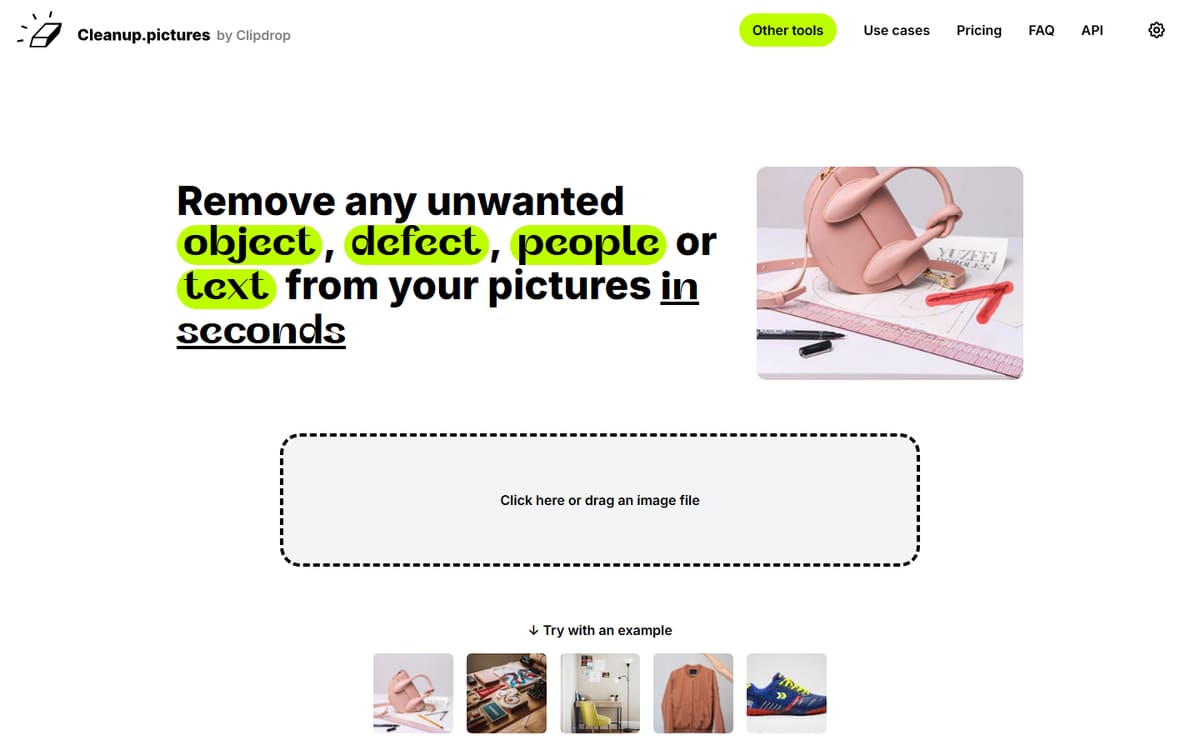
Cleanup.pictures does one thing brilliantly: brush over an unwanted object, person or watermark and it vanishes convincingly. The free tier handles standard-resolution edits with no sign-up, making it the fastest way to clean up a photo.
| Plan | Price | Includes |
|---|---|---|
| Free | Free | Object removal, Standard resolution, No sign-up |
| Pro | From ~$5/mo | High resolution, Larger images, Priority processing |
Key features
- One-brush object removal
- Free, no sign-up needed
- Clean, convincing results
Pros
- Genuinely free
- Extremely simple
- Great for quick cleanups
Cons
- Free tier is standard resolution
- Single-purpose tool
The fastest free way to erase distracting objects from a photo.
Frequently asked questions
What is the best AI tool for removing image backgrounds?
Is there a free AI photo editing tool?
Can these tools edit product photos in bulk?
The bottom line
For everyday background removal, Photoroom is the fastest and most affordable; Canva and Adobe Express are best if you want editing inside a full design tool; and Cleanup.pictures is the go-to free object eraser. Combine a specialist like Photoroom with your design tool for the smoothest workflow. Confirm current pricing on each official site before subscribing.