Creators build more slide decks than they'd expect — course modules, sponsor pitch decks, webinar slides, workshop material. Designing each one from a blank canvas is slow, which is exactly what AI presentation tools solve: describe your content and get a structured, styled deck in minutes. Here are the three best AI presentation tools for creators in 2026.
Gamma
The fastest way from an outline to a polished, on-brand deck, with a genuinely usable free tier and flexible export options.
| Tool | Best for | Starting price | Free option | Our rating |
|---|---|---|---|---|
| Gamma | Fast, polished decks from a prompt or outline | Free | Yes | 4.5 / 5 |
| Beautiful.ai | Decks that stay on-brand automatically | $12/mo | Yes | 4.2 / 5 |
| Canva | Presentations that match your other brand assets | Free | Yes | 4.6 / 5 |
SaaS pricing changes frequently. The figures below were accurate on the date we last verified them — always confirm the current price and plan limits on the tool's official website before subscribing.
Gamma
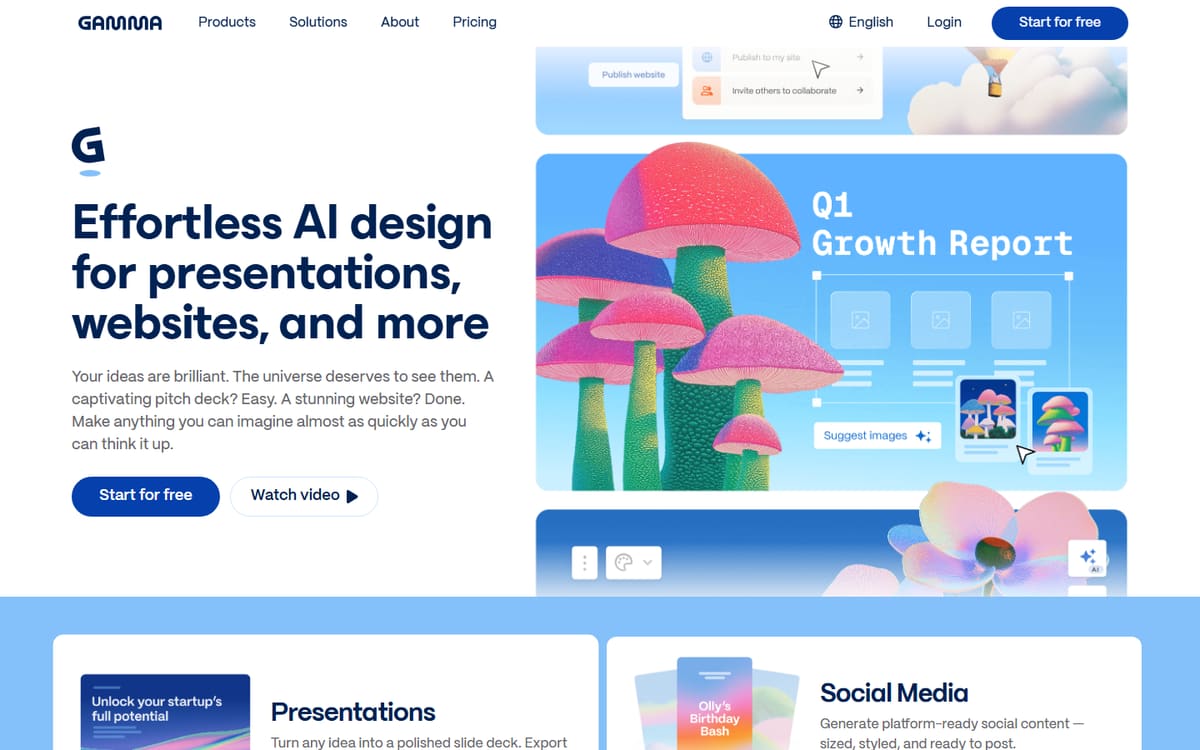
Gamma turns a topic or rough outline into a fully designed deck, complete with layout, imagery and structure, in a couple of minutes. It's less rigid than traditional slide software and easy to restyle after generation.
| Plan | Price | Includes |
|---|---|---|
| Free | Free | 400 credits (one-time), Up to 10 cards/prompt |
| Plus | $9/mo (billed annually) | 1,000 credits/mo, Up to 20 cards/prompt, No branding |
| Pro | $18/mo (billed annually) | 4,000 credits/mo, Up to 60 cards/prompt, Custom branding, API |
Key features
- Prompt or outline to full deck
- Flexible restyling after generation
- Export to PDF, PPT and web
Pros
- Very fast first draft
- Clean, modern templates
- Usable free tier
Cons
- Credit system takes getting used to
- Best branding needs Pro
The quickest path from a rough idea to a deck you'd actually present.
Beautiful.ai
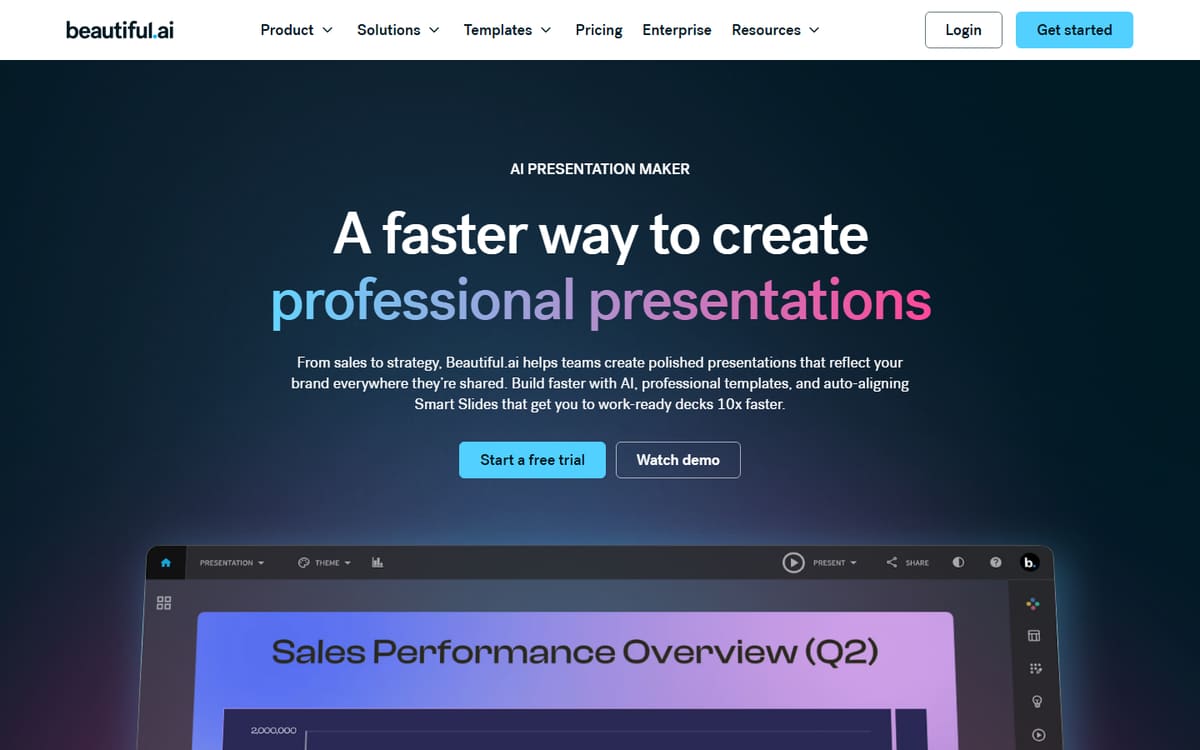
Beautiful.ai's smart templates auto-adjust spacing, alignment and sizing as you edit, so it's genuinely difficult to make an ugly slide. That makes it a strong choice for creators who aren't confident designers but still want a professional-looking deck.
| Plan | Price | Includes |
|---|---|---|
| Pro | $12/mo (billed annually, or $45/mo monthly) | Unlimited slides, AI content generation, Analytics |
| Team | $40/user/mo (billed annually) | Up to 20 users, Team library, Brand controls |
Key features
- Design guardrails that prevent bad layouts
- AI-generated slide content
- Built-in presentation analytics
Pros
- Hard to make it look unprofessional
- Good analytics on paid plans
- Clean output
Cons
- No free plan, only a trial
- Monthly billing is pricey without commitment
The safest option if design isn't your strength but the deck still needs to look sharp.
Canva
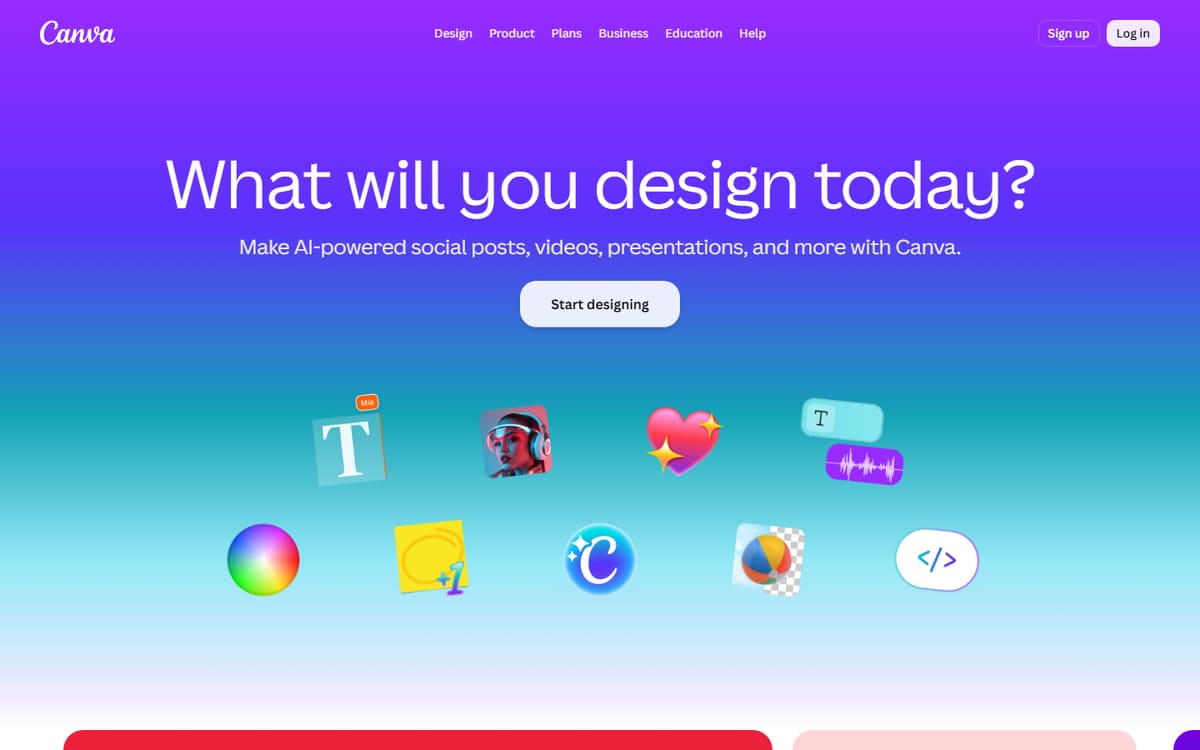
If you already design thumbnails and graphics in Canva, building presentations there keeps everything visually consistent with the rest of your brand, using the same fonts, colours and assets you already have set up.
| Plan | Price | Includes |
|---|---|---|
| Free | Free | Presentation templates, Basic editing |
| Pro | $12.99/mo (billed annually) | Magic Design, Brand kit, Premium templates |
Key features
- Huge presentation template library
- Magic Design AI layout generation
- Reuses your existing brand kit
Pros
- One tool for all your design needs
- Free plan is generous
- Consistent branding
Cons
- Less automated than Gamma for pure speed
- AI features need Pro
The convenient choice if presentations are just one of several design tasks you handle in Canva.
Frequently asked questions
What is the best free AI presentation tool?
Which tool is best for a non-designer?
Can I export these decks to PowerPoint?
The bottom line
Gamma is the fastest way to turn an outline into a polished deck, Beautiful.ai gives non-designers the strongest guardrails against ugly slides, and Canva is the best choice if you want your presentations to match the rest of your brand assets. Try the free tiers first, and confirm current pricing on each official site before subscribing.