Your thumbnail does more for your click-through rate than almost anything else, yet most creators dread making them. AI-powered design tools change that — generating backgrounds, removing subjects from photos, suggesting layouts and rendering bold text in seconds. Here are the three best AI thumbnail makers for YouTube in 2026, from template-driven editors to text-perfect image generators.
Canva
The fastest path to a polished thumbnail: thousands of YouTube templates, one-click background removal and AI image tools in an editor anyone can use.
| Tool | Best for | Starting price | Free option | Our rating |
|---|---|---|---|---|
| Canva | Fast, template-based thumbnails | Free | Yes | 4.7 / 5 |
| Adobe Express | Refined thumbnails with Adobe assets | Free | Yes | 4.4 / 5 |
| Ideogram | Generating thumbnail art with readable text | Free | Yes | 4.3 / 5 |
SaaS pricing changes frequently. The figures below were accurate on the date we last verified them — always confirm the current price and plan limits on the tool's official website before subscribing.
Canva
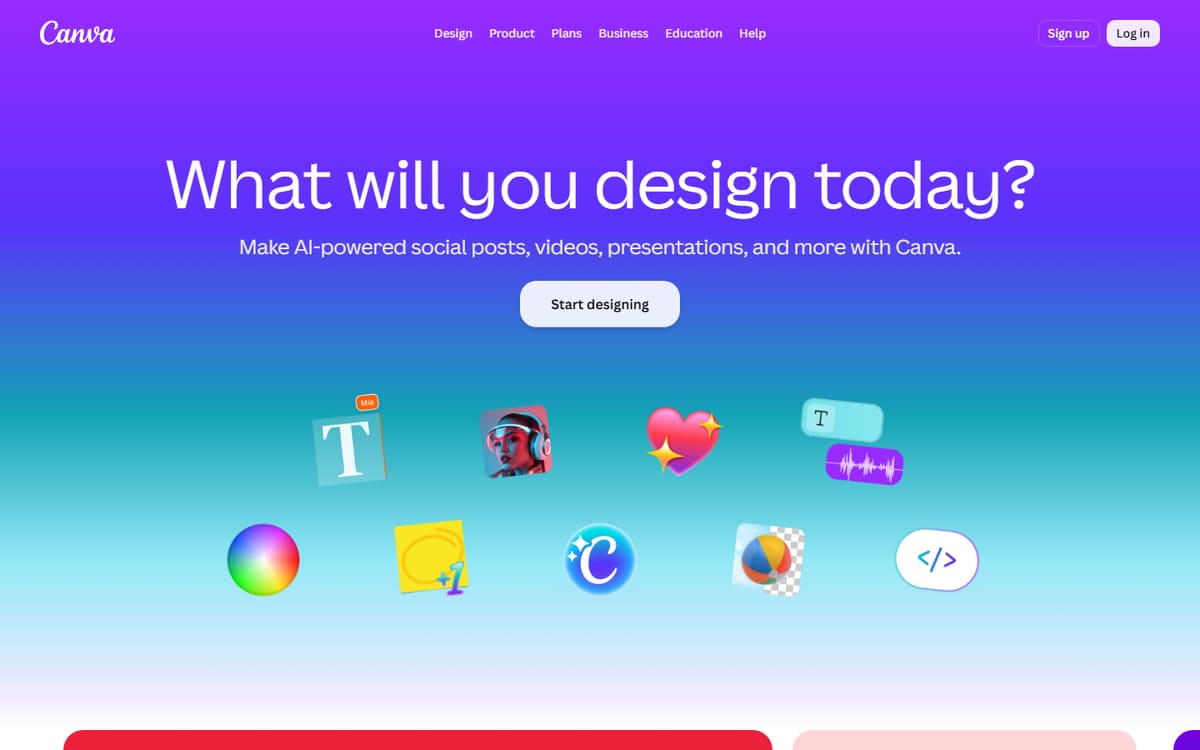
Canva is the default thumbnail tool for good reason: a huge library of YouTube templates, one-click background removal, Magic Media image generation and text effects, all in an editor with almost no learning curve. Free covers a lot; Pro unlocks the best AI tools.
| Plan | Price | Includes |
|---|---|---|
| Free | Free | Thousands of templates, Basic editing, 5GB storage |
| Pro | $12.99/mo (billed annually) | Background remover, Magic tools, Brand kit, 100M+ stock assets |
| Teams | $25/user/mo | Team collaboration, Brand controls, Admin tools |
Key features
- Thousands of YouTube thumbnail templates
- One-click background remover (Pro)
- Magic Media AI image generation
Pros
- Extremely easy to use
- Great free plan
- All-in-one design tools
Cons
- Best AI features need Pro
- Templates can look generic if unedited
The most practical thumbnail tool for the vast majority of creators.
Adobe Express
Adobe Express brings Firefly's AI generation and Adobe's design polish to a Canva-style editor. Its text effects and generative fill are excellent for thumbnails, and the free plan is generous for occasional use.
| Plan | Price | Includes |
|---|---|---|
| Free | Free | Templates, Basic Firefly generations, Background remover |
| Premium | $9.99/mo | Full Firefly AI, Premium assets, More fonts and effects |
Key features
- Firefly generative fill and text effects
- Adobe Stock and font library
- One-click background removal
Pros
- High-quality assets
- Strong text effects
- Good free tier
Cons
- Slightly steeper learning curve
- Fewer templates than Canva
A great choice if you want Adobe-grade polish without opening Photoshop.
Ideogram
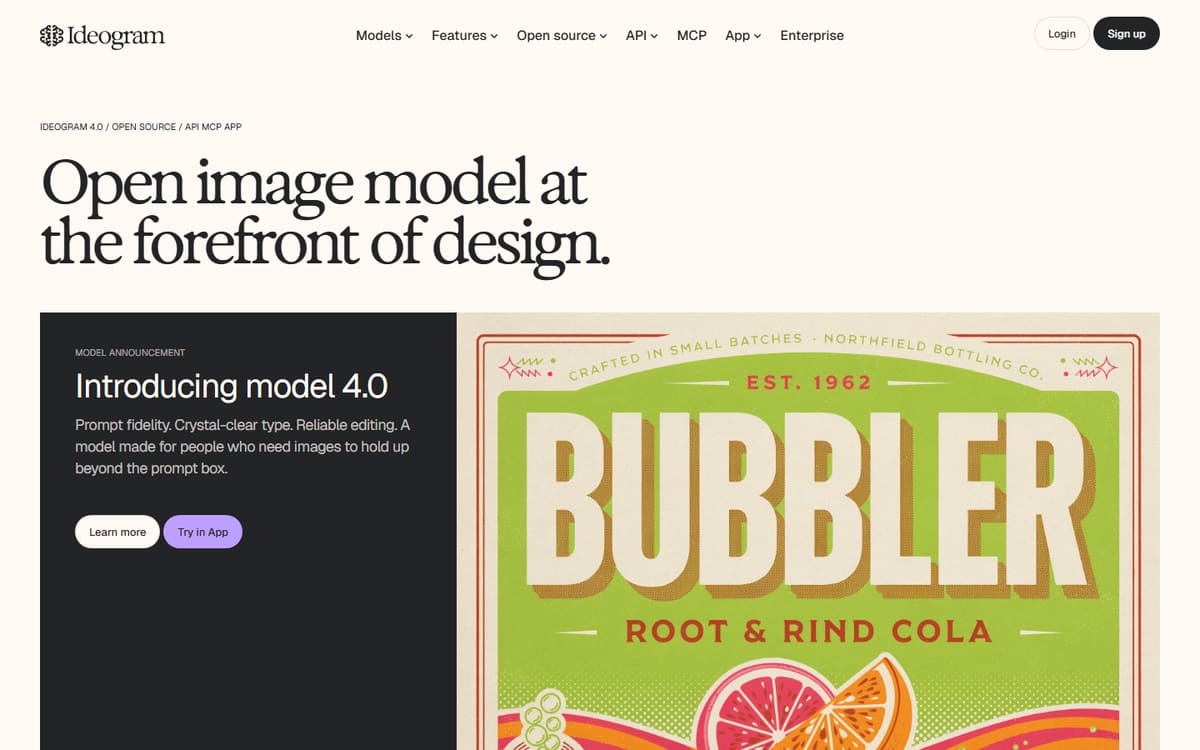
Ideogram's standout skill is rendering legible text inside generated images — the thing most AI image tools fail at. That makes it uniquely useful for creating thumbnail backgrounds and graphics with words baked in.
| Plan | Price | Includes |
|---|---|---|
| Free | Free | ~25 images/day, Standard resolution |
| Basic | $8/mo | 400 priority credits/mo, Faster generation |
| Plus | $20/mo | 1,000 credits/mo, Higher resolution |
Key features
- Best-in-class text rendering in images
- Free daily generations
- Style and aspect-ratio controls
Pros
- Actually readable text
- Generous free tier
- Great for graphic thumbnails
Cons
- Not a full editor
- You'll still finish thumbnails elsewhere
The best generator when your thumbnail needs bold, legible text baked in.
Frequently asked questions
What is the best free AI thumbnail maker?
Can AI generate an entire thumbnail for me?
Which tool renders text in images best?
The bottom line
For most creators, Canva is the fastest way to a strong thumbnail, Adobe Express adds Adobe-grade polish, and Ideogram generates backgrounds with the legible text other tools can't manage. A common workflow is generating art in Ideogram and finishing the layout in Canva. Confirm current pricing on each official site before subscribing.