Recording a podcast is the easy part; editing it is where hours disappear. AI audio tools now handle the worst of it — removing background noise, evening out levels, cutting filler words and even letting you edit audio by editing text. Here are the three best AI tools for podcast editing and cleanup in 2026, from free enhancers to full production suites.
Descript
Editing audio by editing a transcript, plus one-click filler removal and Studio Sound cleanup, makes it the fastest full podcast editor for creators.
| Tool | Best for | Starting price | Free option | Our rating |
|---|---|---|---|---|
| Descript | Full podcast editing by text | Free | Yes | 4.6 / 5 |
| Podcastle | Recording and editing podcasts in one place | Free | Yes | 4.3 / 5 |
| Adobe Podcast | Free, instant audio enhancement | Free | Yes | 4.4 / 5 |
SaaS pricing changes frequently. The figures below were accurate on the date we last verified them — always confirm the current price and plan limits on the tool's official website before subscribing.
Descript
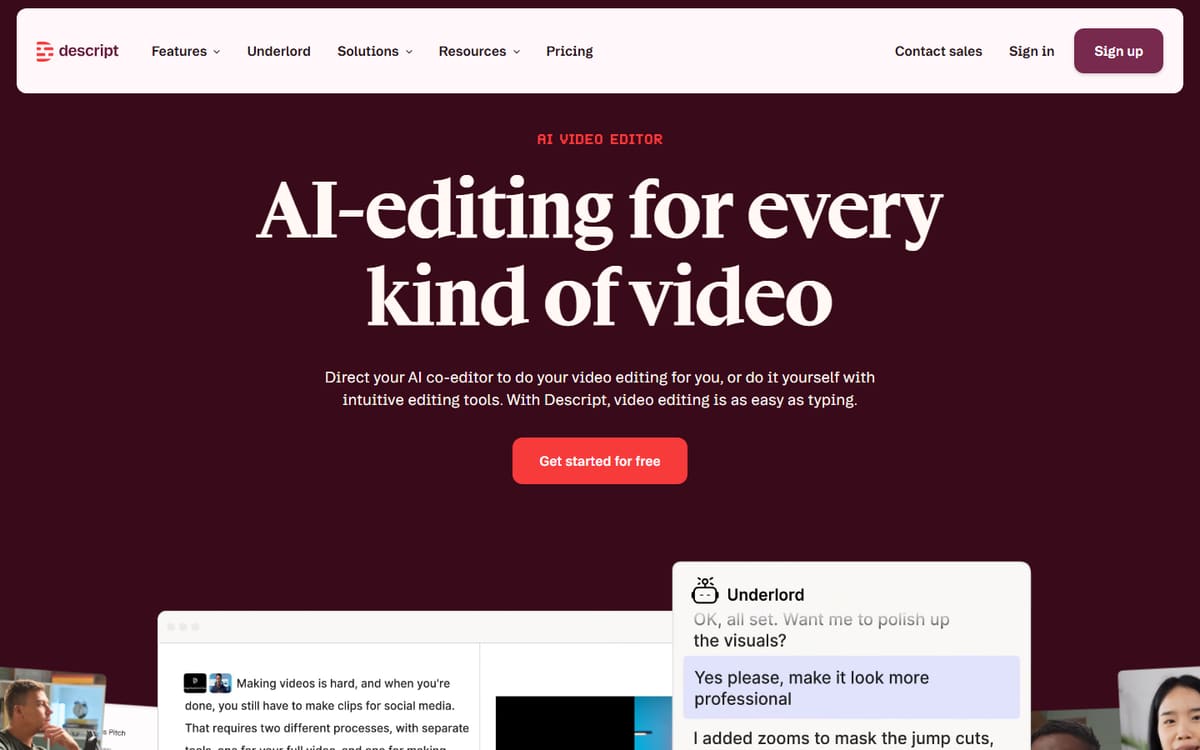
Descript transcribes your recording and lets you edit the audio by editing the words. Add Studio Sound for instant cleanup, filler-word removal and multitrack support, and it becomes a complete podcast production tool.
| Plan | Price | Includes |
|---|---|---|
| Free | Free | 1 hour transcription, Basic editing |
| Hobbyist | $16/mo (billed annually) | 10 hours/mo, AI features |
| Creator | $24/mo (billed annually) | 30 hours/mo, Studio Sound, Full AI |
Key features
- Text-based audio editing
- Studio Sound noise removal
- Filler-word and gap removal
Pros
- Huge time-saver
- Great cleanup
- Handles video too
Cons
- Learning curve for advanced features
- Plans renamed in 2026
The most complete podcast editor for creators who want speed and simplicity.
Podcastle
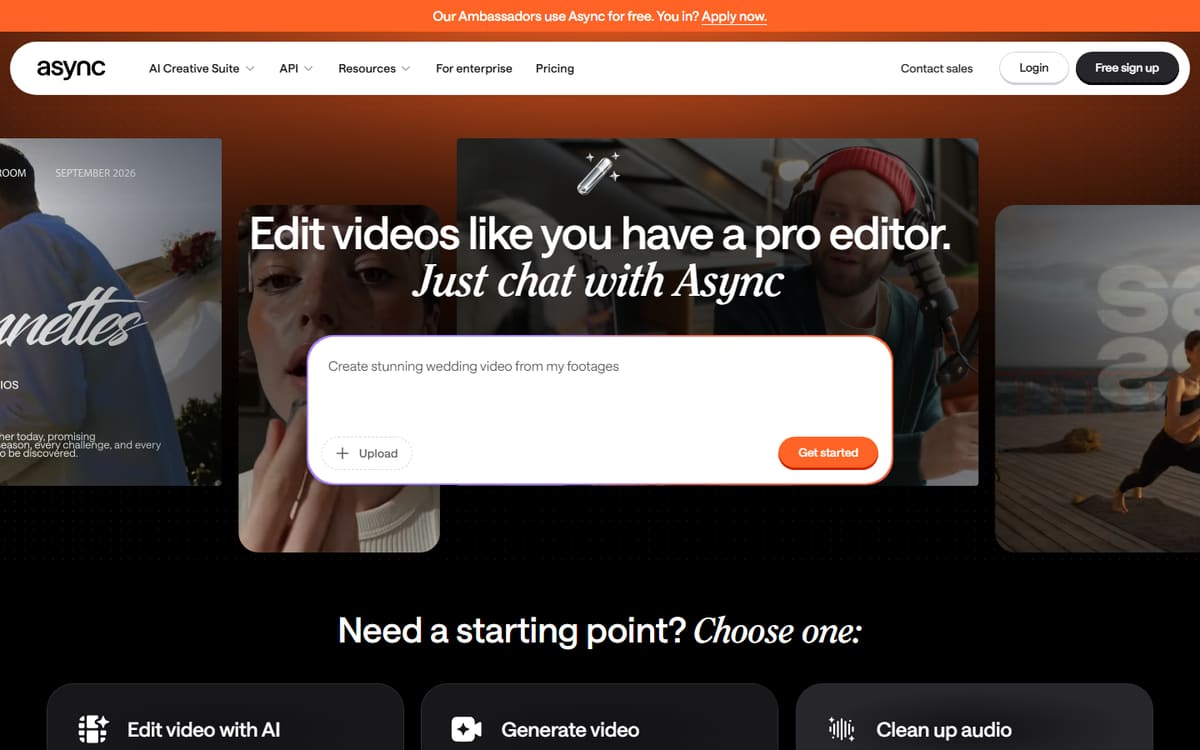
Podcastle is built specifically for podcasters, combining remote recording, AI cleanup, filler-word removal and voice cloning in a single browser app. It's a focused alternative to piecing tools together.
| Plan | Price | Includes |
|---|---|---|
| Free | Free | Basic recording, Limited exports |
| Storyteller | $11.99/mo (billed annually) | Lossless audio, Music library, More storage |
| Pro | $19.99/mo (billed annually) | Revoice cloning, Filler removal, More TTS hours |
Key features
- Remote multitrack recording
- AI audio enhancement
- Revoice voice cloning
Pros
- Made for podcasts
- Recording plus editing
- Affordable Pro tier
Cons
- Fewer advanced editing options than Descript
- Web only
A great focused studio for podcasters who want recording and editing together.
Adobe Podcast

Adobe Podcast's Enhance tool is a free web app that makes shaky recordings sound like they were captured in a studio. It won't edit your episode, but for pure cleanup it's remarkably effective and costs nothing.
| Plan | Price | Includes |
|---|---|---|
| Enhance (Free) | Free | AI audio enhancement, Web-based, Quick cleanup |
| Pro (Creative Cloud) | Included in Creative Cloud | Advanced tools, Higher limits |
Key features
- Free studio-quality enhancement
- Removes noise and echo
- Simple upload-and-download
Pros
- Genuinely free
- Impressive cleanup
- No learning curve
Cons
- Cleanup only, not a full editor
- Processing limits on free use
An essential free tool to run recordings through before editing.
Frequently asked questions
What is the best AI tool for editing a podcast?
Can AI remove background noise from my podcast?
Do I still need editing skills with these tools?
The bottom line
For a full workflow, Descript is the fastest way to edit a podcast, Podcastle is a focused studio that also records, and Adobe Podcast's free Enhance is the best no-cost cleanup you can run every recording through. Many podcasters use Adobe Podcast for cleanup and Descript for editing. Confirm current pricing on each official site before subscribing.