Recording a remote interview over a normal video call sounds exactly like what it is — compressed, laggy, and inconsistent between speakers. Dedicated remote recording tools fix this by capturing each person's audio and video locally in high quality, then syncing everything afterward, so a guest joining from their bedroom sounds like they're in your studio. Here are the three best AI tools for it in 2026.
Riverside.fm
The best balance of recording quality and ease of use — guests just click a link, no account needed, and the local recording quality holds up even on a shaky connection.
| Tool | Best for | Starting price | Free option | Our rating |
|---|---|---|---|---|
| Riverside.fm | High-quality remote interviews with easy guest onboarding | Free | Yes | 4.5 / 5 |
| Podcastle | Recording and editing in a single app | Free | Yes | 4.3 / 5 |
| Descript | Editing remote interviews after recording | Free | Yes | 4.6 / 5 |
SaaS pricing changes frequently. The figures below were accurate on the date we last verified them — always confirm the current price and plan limits on the tool's official website before subscribing.
Riverside.fm
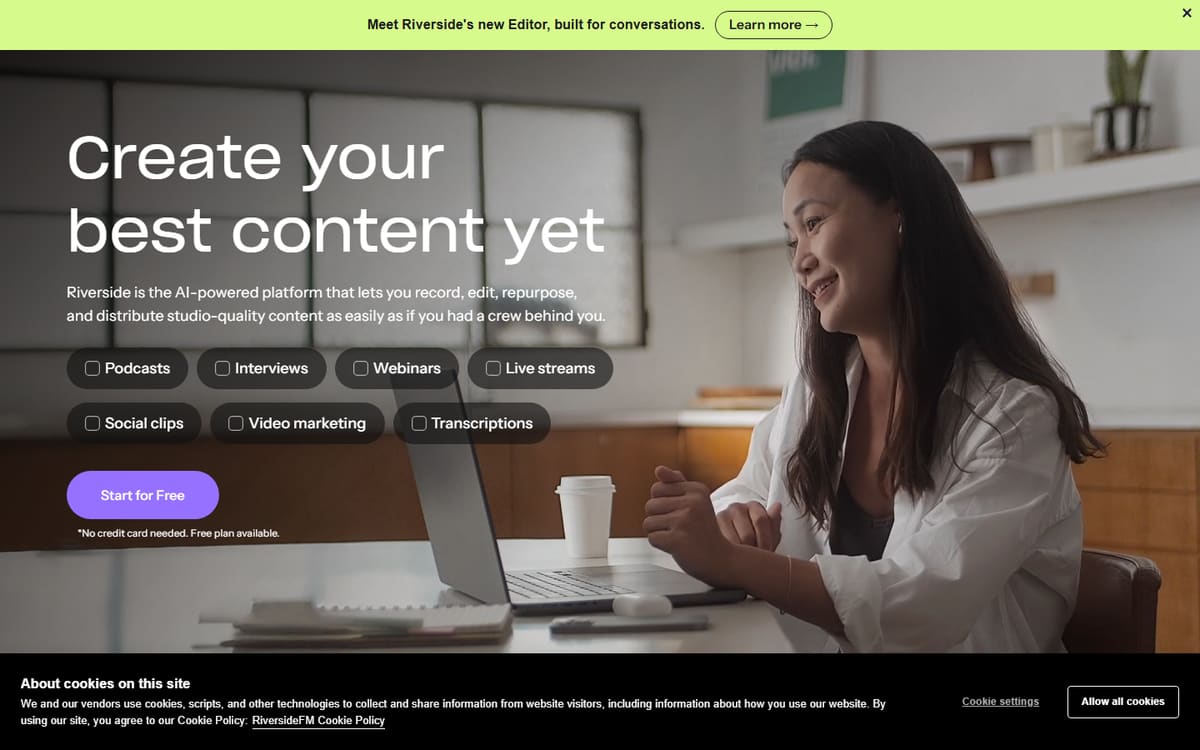
Riverside records each participant's audio and video locally in the browser and uploads it in the background, so even a spotty internet connection doesn't ruin the final quality. Guests just click a link — no software install or account required — which removes a common friction point for one-off interview guests.
| Plan | Price | Includes |
|---|---|---|
| Free | Free | 2 hours/mo, 720p video, Basic editing |
| Standard | $19/mo (or $15/mo billed annually) | 5 hours/mo, 4K video, 48kHz audio, No watermark |
| Pro | $29/mo (or $24/mo billed annually) | 15 hours/mo, Magic Audio noise reduction, Teleprompter |
Key features
- Local recording per participant, synced after
- No account needed for guests to join
- AI noise reduction and teleprompter
Pros
- Excellent quality even on bad connections
- Very easy for guests to join
- Good free tier to start
Cons
- Pricing is per-host-seat
- Higher tiers needed for longer episodes
The most reliable way to get studio-quality audio and video from a guest recording on a laptop across the world.
Podcastle
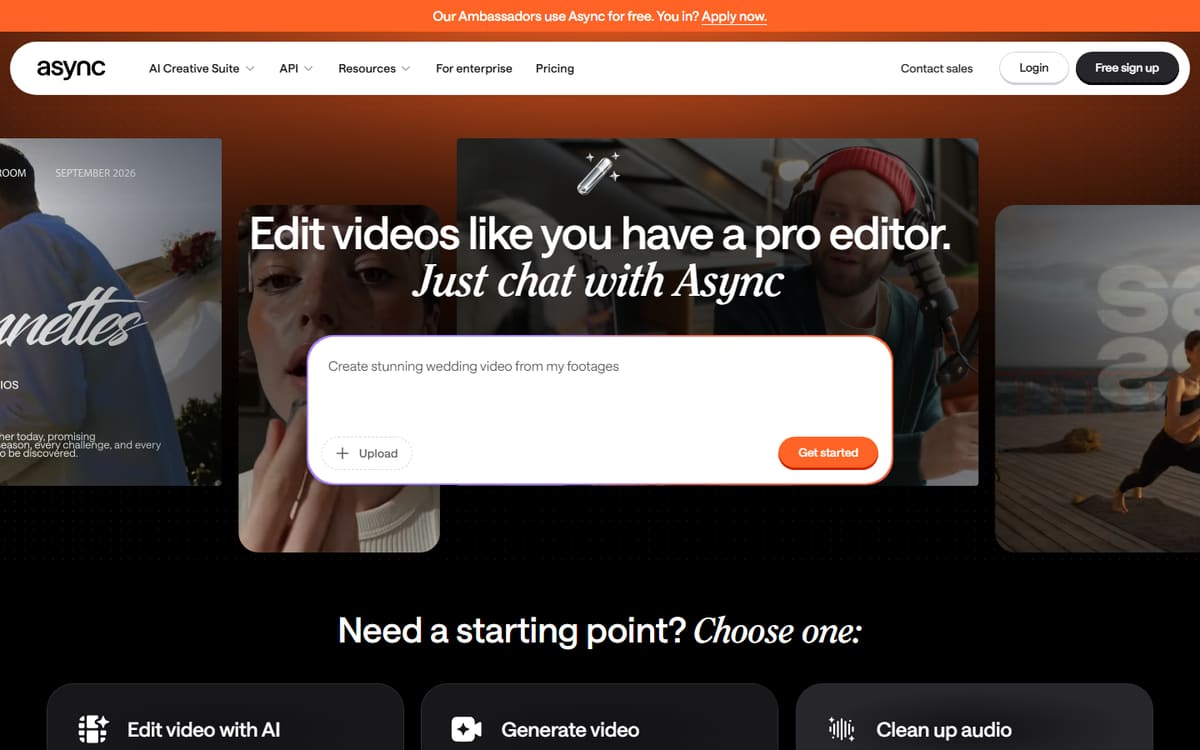
Podcastle combines remote multitrack recording with AI editing and cleanup in the same browser app, so you're not moving files between a recorder and a separate editor. It's a good fit if you want one subscription covering both jobs.
| Plan | Price | Includes |
|---|---|---|
| Free | Free | Basic recording, Limited exports |
| Storyteller | $11.99/mo (billed annually) | Lossless audio, Music library |
| Pro | $19.99/mo (billed annually) | Revoice cloning, Filler removal |
Key features
- Remote multitrack recording
- Built-in AI cleanup and editing
- Revoice voice cloning to fix mistakes
Pros
- Recording and editing together
- Affordable Pro tier
- Good audio cleanup
Cons
- Video quality options less flexible than Riverside
- Web only
The best value if you want recording and post-production in one subscription.
Descript
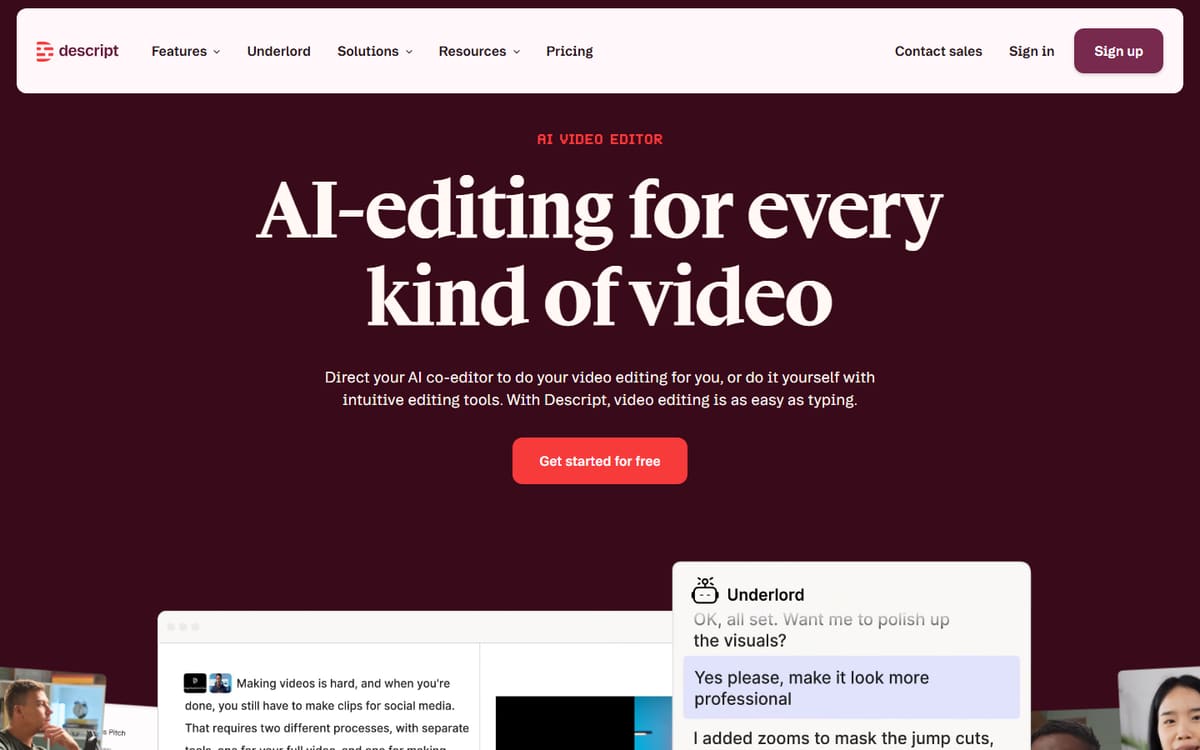
Descript also supports remote recording, but its real strength is what happens afterward — transcript-based editing, filler-word removal and Studio Sound cleanup, all in the same place you record. If editing quality matters more than recording features, this is the stronger overall tool.
| Plan | Price | Includes |
|---|---|---|
| Free | Free | 1 hour transcription, Basic editing |
| Hobbyist | $16/mo (billed annually) | 10 hours/mo, AI features |
| Creator | $24/mo (billed annually) | 30 hours/mo, Full AI |
Key features
- Remote recording plus text-based editing
- Studio Sound audio cleanup
- Handles video interviews too
Pros
- Best post-production tools of the three
- One tool for record and edit
- Strong free plan
Cons
- Recording features less specialised than Riverside
- Learning curve for full feature set
The best all-round choice once you weigh editing quality alongside recording.
Frequently asked questions
Why not just record a remote interview over Zoom?
Do my guests need to create an account to join?
Which tool is best if I also want to edit in the same app?
The bottom line
Riverside.fm offers the best overall recording quality and the easiest experience for guests, Podcastle is the best value if you want recording and editing bundled together, and Descript is the strongest choice once editing quality matters as much as the recording itself. Most podcasters can start on a free plan to compare quality before committing. Confirm current pricing on each official site.