
One long video holds a dozen shorts inside it — if you can find and cut them. AI clipping tools scan your podcast, webinar or long-form upload, identify the most engaging moments, and turn them into captioned, vertical clips ready for TikTok, Reels and Shorts. Here are the three that do it best in 2026, from dedicated clippers to editors that repurpose as a side skill.
OpusClip
Purpose-built for repurposing — it finds your best moments, reframes them vertically and adds animated captions with almost no effort.
| Tool | Best for | Starting price | Free option | Our rating |
|---|---|---|---|---|
| OpusClip | Batch-clipping long videos fast | Free | Yes | 4.5 / 5 |
| Descript | Repurposing with precise edits | Free | Yes | 4.6 / 5 |
| VEED | Polishing and captioning clips | Free | Yes | 4.4 / 5 |
SaaS pricing changes frequently. The figures below were accurate on the date we last verified them — always confirm the current price and plan limits on the tool's official website before subscribing.
OpusClip
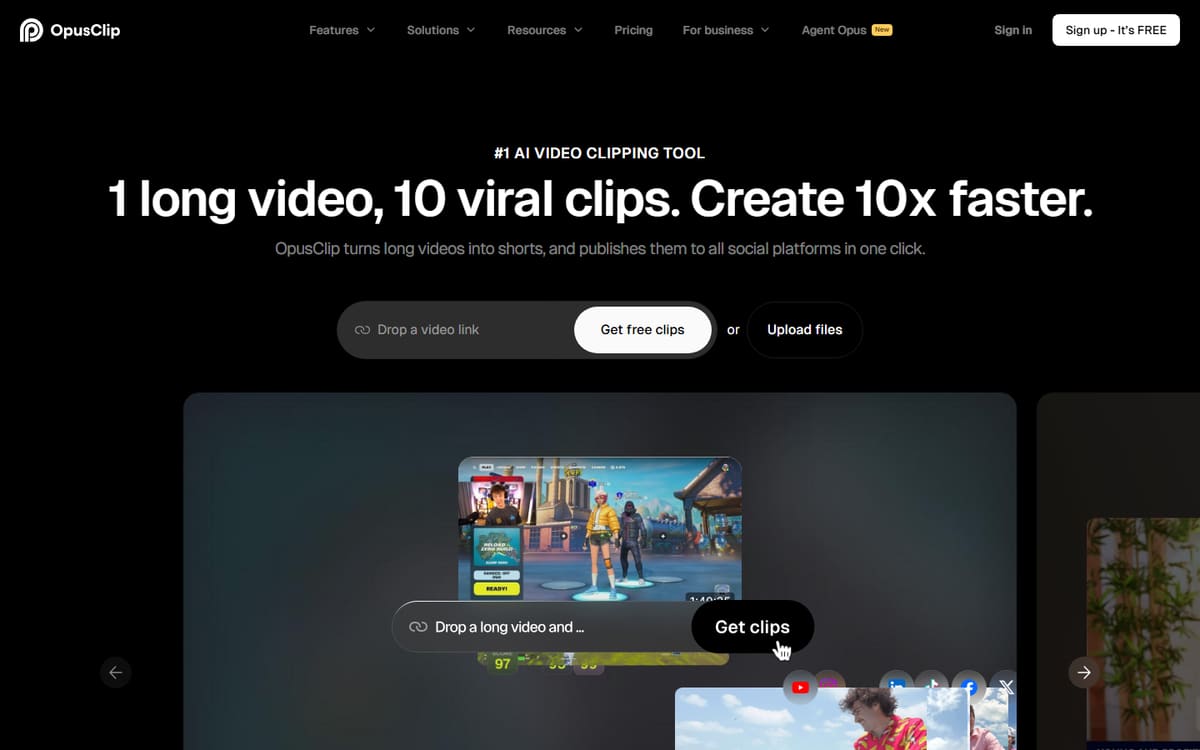
OpusClip is the category leader for repurposing. Paste a link or upload, and it returns a batch of scored clips with auto-reframing, animated captions and hooks — often good enough to post with only light tweaks.
| Plan | Price | Includes |
|---|---|---|
| Free | Free | 60 processing minutes/mo, Watermarked clips, AI curation |
| Starter | $15/mo | 150 minutes/mo, No watermark, Individual use |
| Pro | $29/mo (billed annually) | All aspect ratios, Social scheduler, AI B-roll, Team workspace |
Key features
- AI virality scoring on each clip
- Auto-reframe to vertical with face tracking
- Animated captions and B-roll on higher tiers
Pros
- Fastest way to batch shorts
- Strong clip selection
- Free plan to test
Cons
- Processing minutes cap out quickly
- Best features need the Pro plan
If repurposing is your main goal, OpusClip is the tool built for exactly that job.
Descript
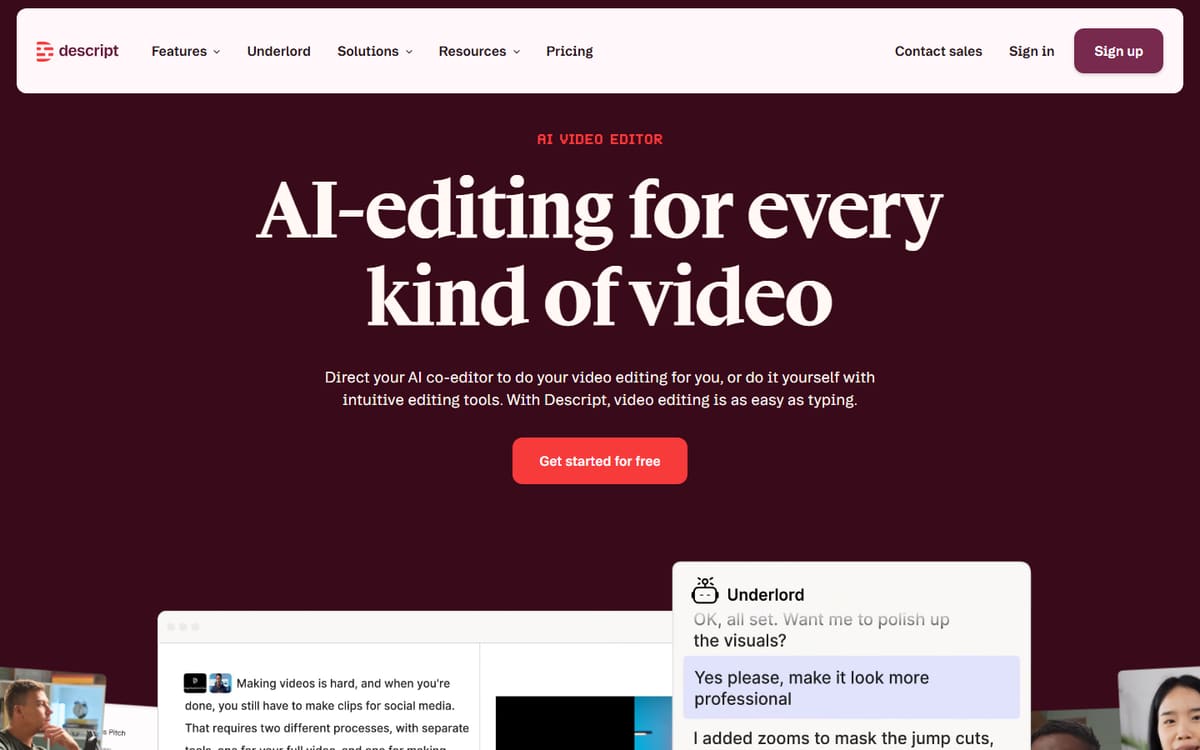
Descript isn't only an editor — its transcript-based workflow makes pulling exact quotes and moments from a long recording effortless. When you want more control over which words make the clip, it beats fully automated tools.
| Plan | Price | Includes |
|---|---|---|
| Free | Free | 1 hour transcription, Screen recording |
| Hobbyist | $16/mo (billed annually) | 10 hours/mo, AI features |
| Creator | $24/mo (billed annually) | 30 hours/mo, 4K export, Full AI |
Key features
- Clip by highlighting transcript text
- AI clip suggestions from long recordings
- Captions and audio cleanup built in
Pros
- Precise, editable clips
- Great for quote-based shorts
- Doubles as your main editor
Cons
- More manual than OpusClip
- Not purely automated
The better choice when you want to hand-pick moments rather than trust full automation.
VEED

VEED is the finishing step: once you have a clip, its browser editor makes it easy to add branded captions, reframe, trim and export in the right ratio for each platform.
| Plan | Price | Includes |
|---|---|---|
| Free | Free | Watermarked exports, Auto-subtitles |
| Basic | $12/mo per user (billed annually) | No watermark, Full subtitles |
| Pro | $25/mo per user (billed annually) | 4K export, Brand kit |
Key features
- Accurate styled auto-subtitles
- One-click aspect-ratio changes
- Brand kit for consistent captions
Pros
- Great captions
- Fast in the browser
- Consistent branding
Cons
- Not an automated clipper on its own
- Per-user pricing
The ideal companion for polishing clips before they go live.
Frequently asked questions
What is the best AI tool for turning long videos into shorts?
Can these tools post directly to TikTok and YouTube Shorts?
How many shorts can I get from one long video?
The bottom line
For pure speed, OpusClip is the repurposing engine to start with; Descript gives you precise, quote-level control and doubles as your editor; and VEED is the best place to polish and caption clips before posting. Used together, they turn a single upload into a week of short-form content. Confirm current pricing on each official site, as plans change often.