
Short-form is where audiences are won in 2026, but producing a steady stream of Shorts and TikToks is exhausting to do by hand. AI tools handle the repetitive parts — reframing to vertical, adding punchy captions, and even generating clips from scratch. These three cover every short-form workflow, whether you're clipping existing footage or creating from nothing.
OpusClip
For turning existing videos into a batch of ready-to-post vertical clips with animated captions, nothing is faster.
| Tool | Best for | Starting price | Free option | Our rating |
|---|---|---|---|---|
| OpusClip | Batch clips from long videos | Free | Yes | 4.5 / 5 |
| VEED | Styling and captioning shorts | Free | Yes | 4.4 / 5 |
| InVideo AI | Generating shorts without footage | Free | Yes | 4.2 / 5 |
SaaS pricing changes frequently. The figures below were accurate on the date we last verified them — always confirm the current price and plan limits on the tool's official website before subscribing.
OpusClip
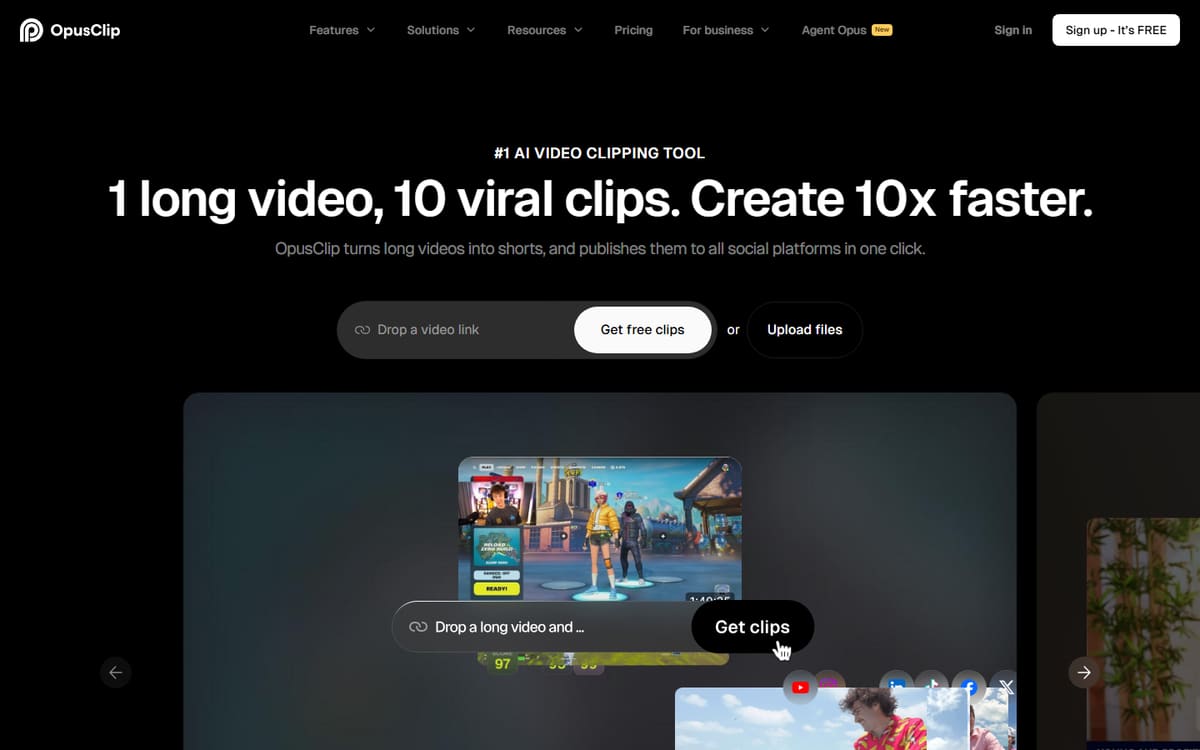
OpusClip finds the best moments in a long video and turns them into vertical clips with animated captions and hooks. It's the fastest route from one upload to a week of short-form posts.
| Plan | Price | Includes |
|---|---|---|
| Free | Free | 60 minutes/mo, Watermarked, AI curation |
| Starter | $15/mo | 150 minutes/mo, No watermark |
| Pro | $29/mo (billed annually) | Social scheduler, AI B-roll, All ratios |
Key features
- AI clip selection and scoring
- Auto-reframe with face tracking
- Animated captions
Pros
- Extremely fast
- Good clip picks
- Free plan to test
Cons
- Minutes cap quickly
- Best features on Pro
The default choice for repurposing long content into shorts.
VEED
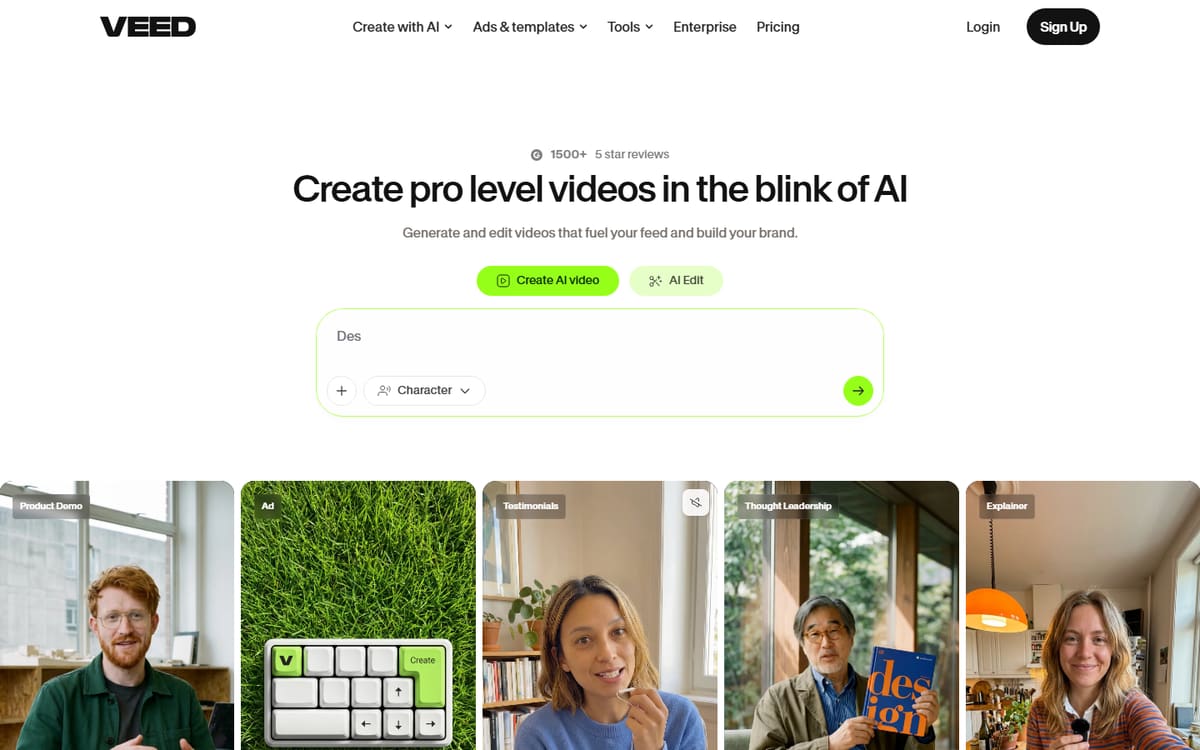
VEED's styled auto-subtitles are perfect for the bold, animated captions short-form thrives on. It's the tool to reach for when you want a clip to look branded and professional before posting.
| Plan | Price | Includes |
|---|---|---|
| Free | Free | Watermarked, Auto-subtitles |
| Basic | $12/mo per user (billed annually) | No watermark, Full subtitles |
| Pro | $25/mo per user (billed annually) | 4K export, Brand kit |
Key features
- Trendy styled captions
- One-click vertical reframing
- Brand kit for consistency
Pros
- Best caption styling
- Fast in-browser
- Beginner-friendly
Cons
- Not an automated clipper
- Per-user pricing
The finishing tool that makes shorts look polished and on-brand.
InVideo AI
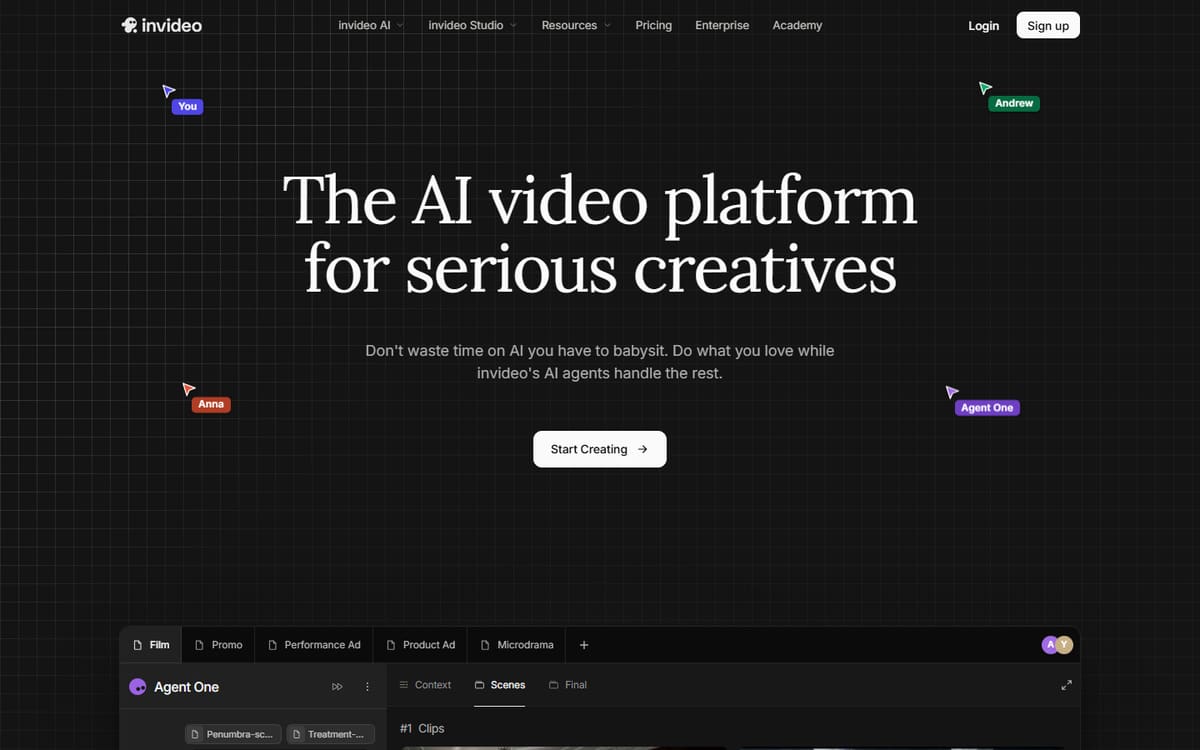
When you don't have footage to clip, InVideo AI generates a short from a text prompt — script, visuals, voiceover and captions included. Great for faceless short-form or filling gaps in your schedule.
| Plan | Price | Includes |
|---|---|---|
| Free | Free (watermarked) | Weekly export limit |
| Plus | $20/mo (billed annually) | 50 AI minutes/mo, Stock media |
| Max | $48/mo (billed annually) | 200 AI minutes/mo, More media |
Key features
- Prompt-to-short generation
- AI voiceover
- Stock footage library
Pros
- No source footage needed
- Fast to produce
- Affordable entry tier
Cons
- Less unique than filmed content
- Credit limits
The option for creating shorts when you have a topic but no footage.
Frequently asked questions
What is the best AI tool for making YouTube Shorts?
Can AI add captions to my shorts automatically?
How do I post consistently without burning out?
The bottom line
For short-form, OpusClip is the fastest way to clip existing videos, VEED makes them look polished with standout captions, and InVideo AI generates shorts when you have no footage to work with. Combine clipping with styling for the most efficient short-form pipeline. Confirm the latest pricing on each official site before subscribing.