Canva and Adobe Express are the two dominant browser-based design tools, and they're increasingly similar: both offer templates, AI generation, background removal and brand kits at nearly identical prices. The differences are in the details — Canva's ease and template depth versus Adobe's asset quality and commercially safe AI. Here's how to choose.
Canva
For most creators, Canva's larger template library and gentler learning curve win. Choose Adobe Express if you value Firefly's commercially safe AI and Adobe's premium assets.
| Tool | Best for | Starting price | Free option | Our rating |
|---|---|---|---|---|
| Canva | Fast, easy design at any skill level | Free | Yes | 4.7 / 5 |
| Adobe Express | Premium, commercially safe design | Free | Yes | 4.4 / 5 |
SaaS pricing changes frequently. The figures below were accurate on the date we last verified them — always confirm the current price and plan limits on the tool's official website before subscribing.
Canva
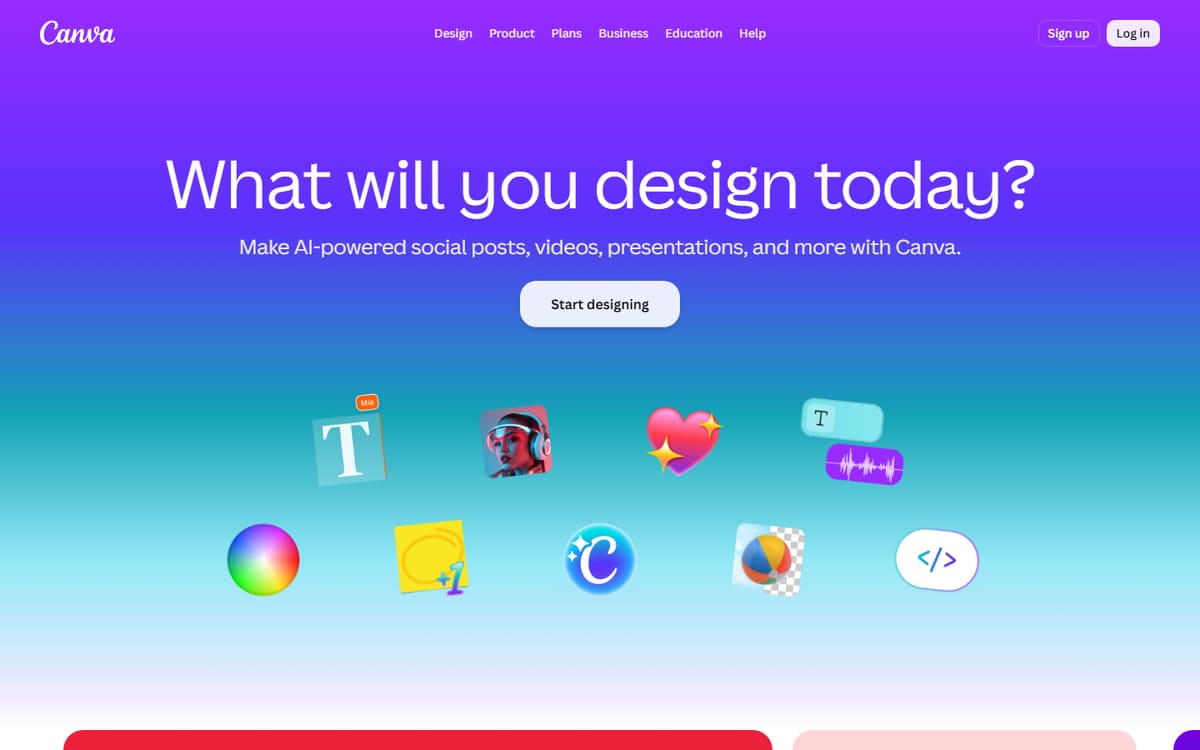
Canva's advantage is breadth and simplicity: more templates than anyone, a friendlier interface and Magic tools that just work. It's the tool most creators reach for first and rarely outgrow.
| Plan | Price | Includes |
|---|---|---|
| Free | Free | Huge template library, Basic editing, 5GB storage |
| Pro | $12.99/mo (billed annually) | Magic tools, Brand kit, Background remover |
| Teams | $25/user/mo | Collaboration, Brand controls |
Key features
- Largest template library
- Magic Resize and Magic Media
- Beginner-friendly editor
Pros
- Easiest to learn
- Most templates
- Strong free plan
Cons
- AI images less commercially provable
- Popular templates look familiar
The better default for speed, ease and template variety.
Adobe Express
Adobe Express leans on Firefly's commercially safe AI and Adobe's premium stock and fonts. If image provenance matters or you already live in the Adobe ecosystem, it's the more professional choice.
| Plan | Price | Includes |
|---|---|---|
| Free | Free | Templates, Basic Firefly, Background remover |
| Premium | $9.99/mo | Full Firefly AI, Adobe Stock, Premium fonts |
Key features
- Firefly commercially safe AI
- Adobe Stock and fonts
- Photoshop/Illustrator integration
Pros
- Commercially safe AI
- Premium assets
- Slightly cheaper Premium tier
Cons
- Fewer templates
- Steeper learning curve
The stronger pick when commercial safety and asset quality outweigh template breadth.
Frequently asked questions
Is Canva or Adobe Express better for beginners?
Which has better AI?
Which is cheaper?
The bottom line
Choose Canva for the easiest experience, the biggest template library and the most integrated AI tools; choose Adobe Express for commercially safe Firefly AI and premium Adobe assets. Both have strong free plans, so test each with a real project before committing. Confirm current pricing on the official sites.