VidIQ and TubeBuddy are the two names every YouTuber hears when they start taking growth seriously. Both are browser extensions plus web apps that help with keywords, tags and analytics — but they emphasise different strengths. VidIQ leans into AI and SEO data; TubeBuddy into channel management and testing. Here's how to choose.
VidIQ
For SEO data and AI-powered guidance, VidIQ leads. Choose TubeBuddy if cheaper pricing and channel-management tools like A/B thumbnail testing matter more to you.
| Tool | Best for | Starting price | Free option | Our rating |
|---|---|---|---|---|
| VidIQ | Data-driven YouTube SEO | Free | Yes | 4.3 / 5 |
| TubeBuddy | Channel management and A/B testing | Free | Yes | 4.2 / 5 |
SaaS pricing changes frequently. The figures below were accurate on the date we last verified them — always confirm the current price and plan limits on the tool's official website before subscribing.
VidIQ
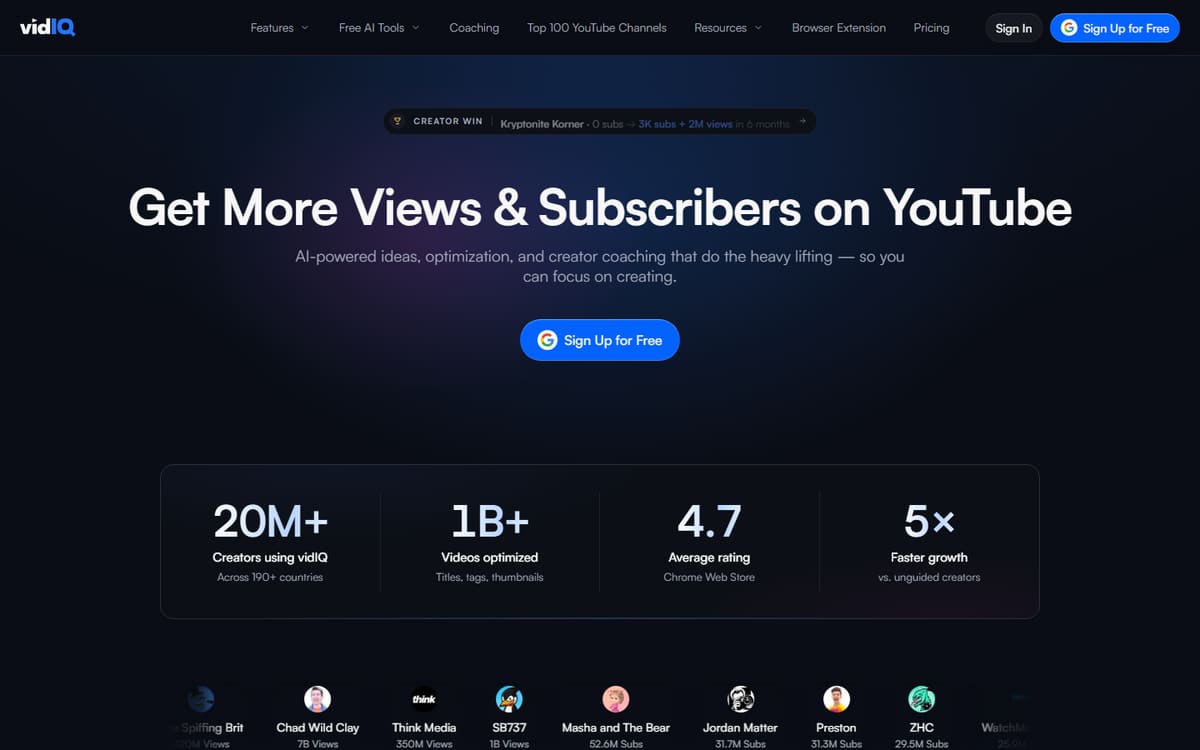
VidIQ focuses on search: strong keyword scoring, competitor tracking and an AI coach that recommends what to make next. Its data overlays directly on YouTube, making it the more SEO- and AI-forward of the two.
| Plan | Price | Includes |
|---|---|---|
| Free | Free | Keyword tools, Channel audit, Extension |
| Boost | $16.58/mo (billed annually) | AI coach, Keyword scores, Competitor tracking |
| Max | $39/mo | More AI, Advanced analytics |
Key features
- Keyword and tag scoring
- AI content coach
- Competitor analytics
Pros
- Strong SEO data
- Best AI features
- Handy extension
Cons
- AI gated to paid tiers
- Can feel data-heavy
The better pick for creators who want SEO data and AI recommendations.
TubeBuddy
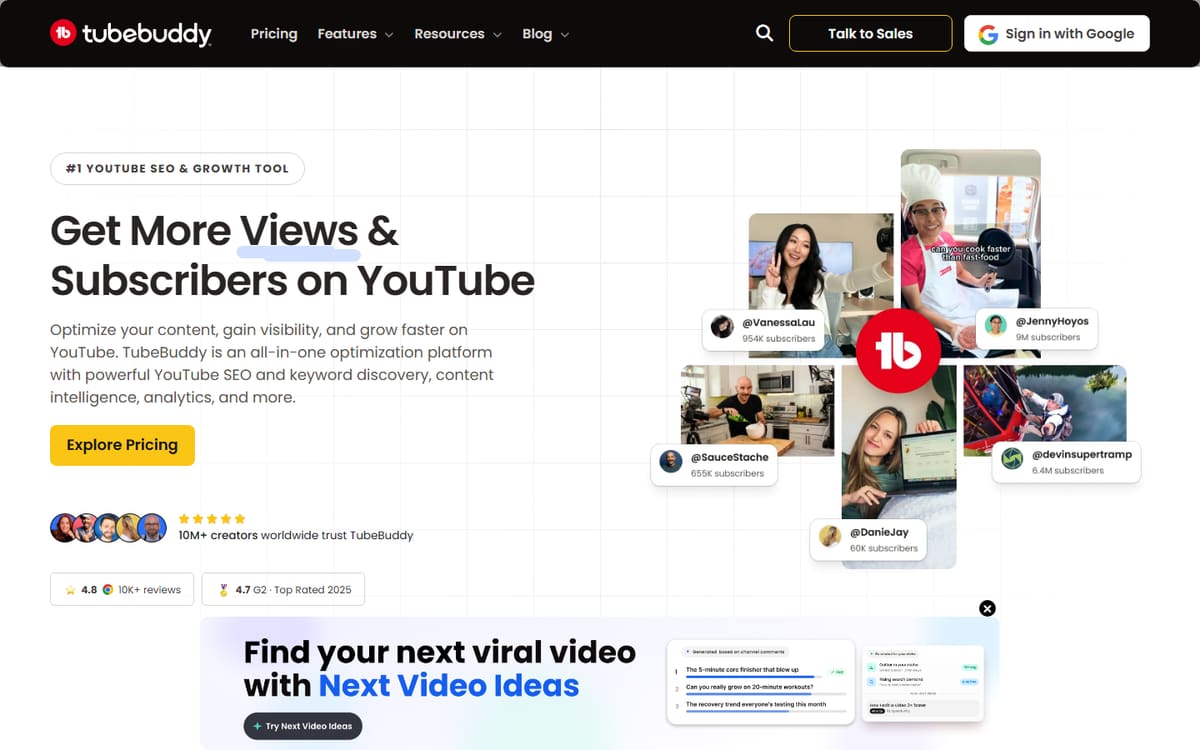
TubeBuddy shines at running a channel: bulk tag editing, publishing tools and — its standout feature — A/B thumbnail and title testing. Its cheap Pro tier makes it an accessible entry point for growing creators.
| Plan | Price | Includes |
|---|---|---|
| Free | Free | Basic tools, Tag suggestions, Extension |
| Pro | $4.99/mo | Keyword explorer, Bulk tools |
| Legend | $22.50/mo (billed annually) | A/B testing, AI tools, Advanced research |
Key features
- A/B thumbnail and title testing
- Bulk channel management
- Keyword explorer
Pros
- Cheap Pro tier
- Great management tools
- A/B testing
Cons
- Dated interface
- SEO data less deep than VidIQ
The better choice for channel management and testing on a budget.
Frequently asked questions
Is VidIQ or TubeBuddy better for YouTube SEO?
Which is cheaper?
Can I use both?
The bottom line
Choose VidIQ for the strongest SEO data and AI guidance, and TubeBuddy for cheaper pricing plus channel-management features like A/B testing. Both offer free plans, so try each on your own channel before paying. Confirm current pricing on the official sites, as both adjust plans regularly.